
Version 6 · Built for growing teams

One suite. Every business move.

Connect your people, payroll, finance, customers and daily operations in one secure bilingual workspace, built for the way modern businesses actually work.
Secure local dataArabic & English25 business modules
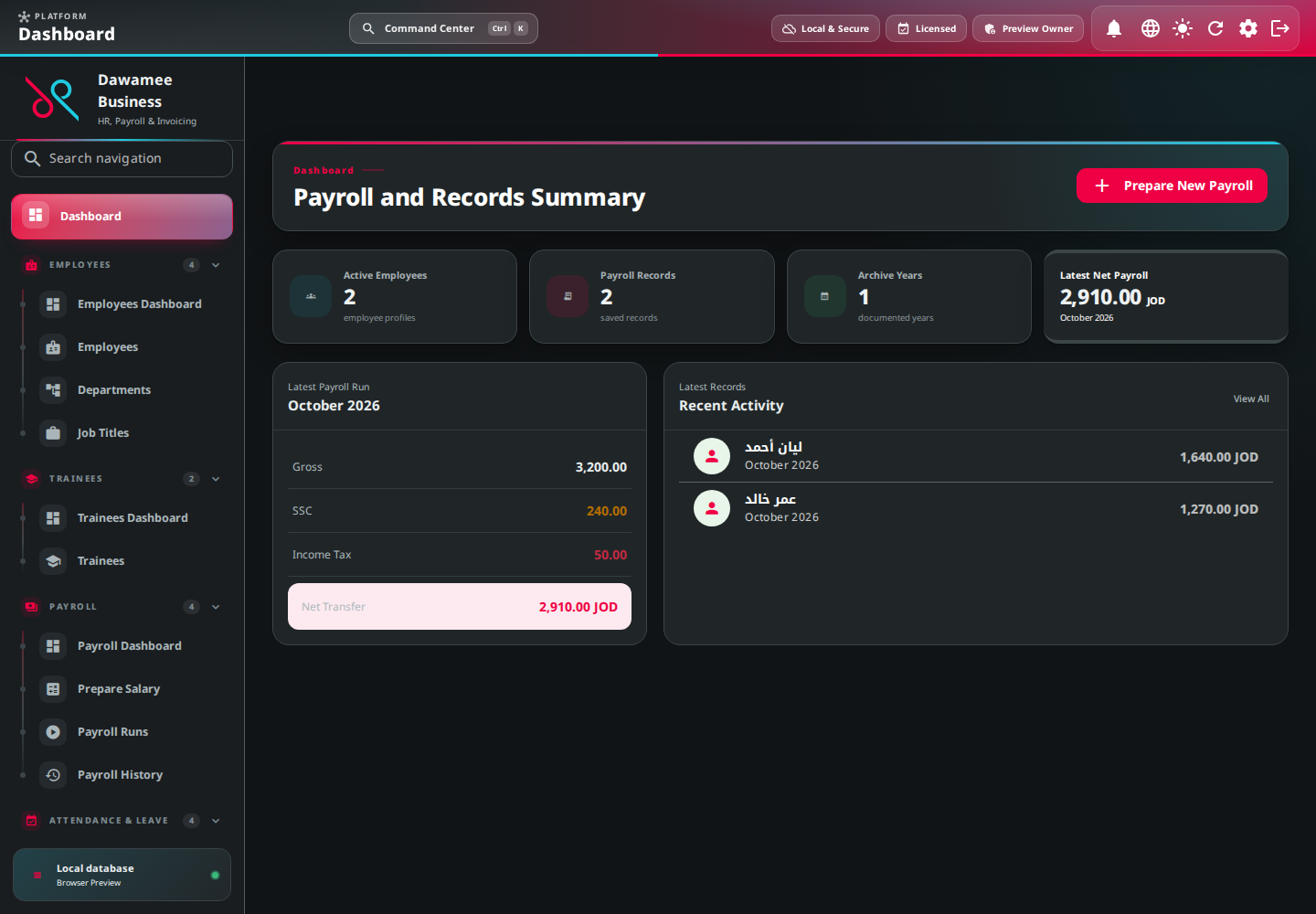
Dawamee Business dashboard screenshot
Purpose-built for regional business operations
Jordan readySaudi readyDesktop firstOffline capable

A better operating system

Less friction between every part of your business.

Replace scattered files and disconnected tools with a single source of truth that grows with your team.

Truly connected records

People, customer and transaction data flows between modules without duplicate entry or conflicting copies.

Modular by design

Activate the apps that fit today, then add new capabilities without replacing your core workflow.

Control you can trust

Role-based permissions, audit history and backups, with local or remote storage.

Apps & modules

Start focused. Expand when you need to.

Each module works as part of one shared business platform, with connected records, consistent permissions and a familiar workflow.

People

Employees

Profiles, departments, job titles, attachments and identity documents.

People

Trainees

Trainee profiles, transportation fees and conversion to employee.

People

Payroll

Salary, social security, tax, payroll runs, slips and history.

People

Attendance & Leave

Attendance, absence, overtime and leave balances.

People

Daily Standup

Daily updates from employees and trainees: done, planned, blockers and progress.

People

Recruitment

Vacancies, candidates, interview stages and offers.

People

Self-Service Portal

Employee and customer requests, slips, documents and approvals.

Finance

Accounting

Chart of accounts, journal entries, fiscal periods and statements.
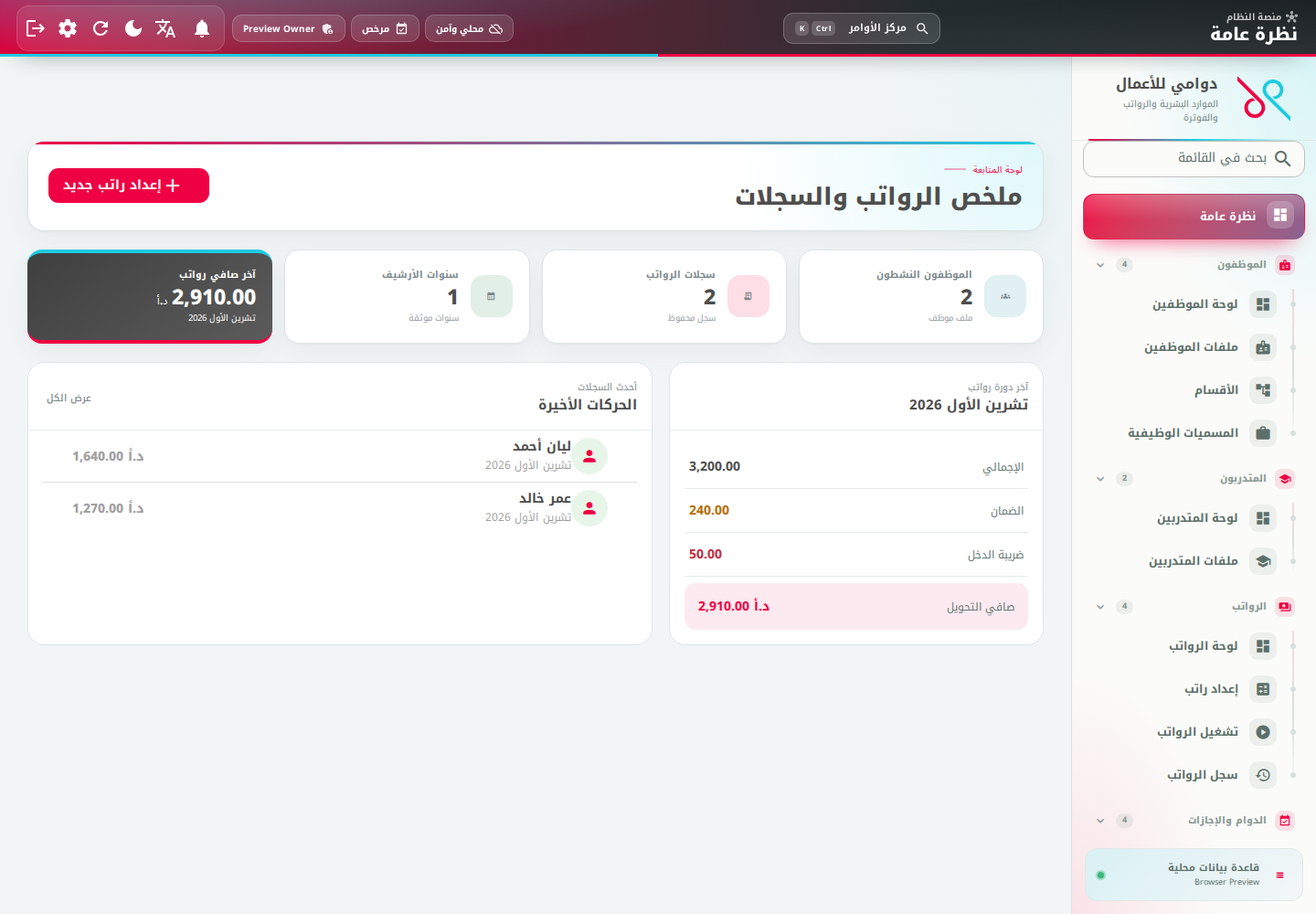
The suite dashboard in Arabic, light mode

Real product. Real clarity.

Complex work, made calm and visible.

The workspace puts the right dashboard and actions inside every module, so teams move faster without losing control.

A dashboard inside every moduleEvery team sees metrics, records and actions related to its own work.
Complete Arabic and English interfaceInstant RTL and LTR switching, with every user’s preference remembered.
Business-ready outputsSlips, reports, Word and PDF documents, and structured exports.

Services

From first setup to confident daily use.

Our team helps you configure the suite around your structure, migrate your records and prepare every role.

Setup & implementation

We configure entities, branches, permissions, modules and workflows around your structure.

Data migration & cleanup

We review your current files and move essential records through a clear, verifiable plan.

Training & enablement

Role-based sessions and practical guidance help every team adopt the suite confidently.

Support & continuous improvement

Technical support, releases and refinements that follow your organisation’s needs.

Buying

Your license, ready in minutes.

Pay once per year, with no automatic renewal, and get your key immediately.

  1. 1

    Choose a plan

    Modules, number of users and one full year.

  2. 2

    Pay securely

    On the Digital Pages Pay checkout by card or mada.

  3. 3

    Receive your key

    Shown as soon as the payment is confirmed, and emailed.

  4. 4

    Activate offline

    Paste it into the app; it is checked on your computer.

FAQ

Questions, answered.

How do I buy a license?
Choose a plan on the pricing page, enter the license holder and your email, then pay on the secure Digital Pages Pay checkout. The license key appears as soon as the payment is confirmed and is also emailed to you.
Which payment methods are accepted?
Visa, Mastercard and mada cards through HyperPay on the hosted Digital Pages Pay checkout, with 3-D Secure. We never see or store your card number.
Does the license renew automatically?
No. Each payment buys one license period of a year, and nothing is ever charged automatically. To renew, buy a new period whenever you like; the new key starts the day after your current key ends.
How do I renew my license?
In the app, choose “Buy or renew a license” on the license screen, or open the buy page, choose “Renew a license” and paste your current key. After paying, activate the new key; if it starts later, the app keeps it as a scheduled renewal without interrupting the current license.
Do I need internet access to activate the license?
No. The app checks the key’s signature and its start and end dates on your computer, offline.

Ready to try the suite?

Download the app, buy your license now, or talk to our team.